Downloading your MyAndbank statement
From the MyAndbank app you can get your account transactions as Excel in a couple of minutes. Then you upload them to Estalvia and you are done.
Updated 14 October 2026
Choose the account
- Open the MyAndbank app.
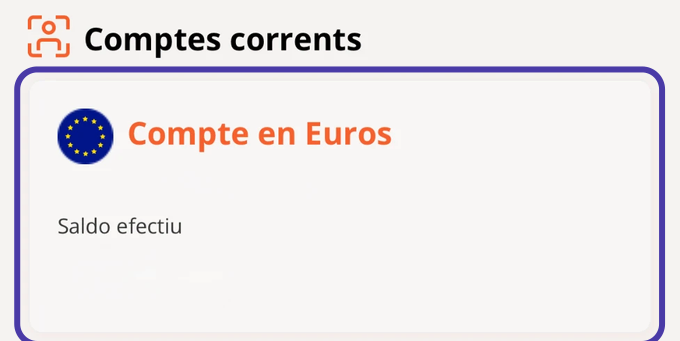
- On Inici (Home), scroll down to Comptes corrents (Current accounts) and tap the account you want the statement for.
Choose the dates
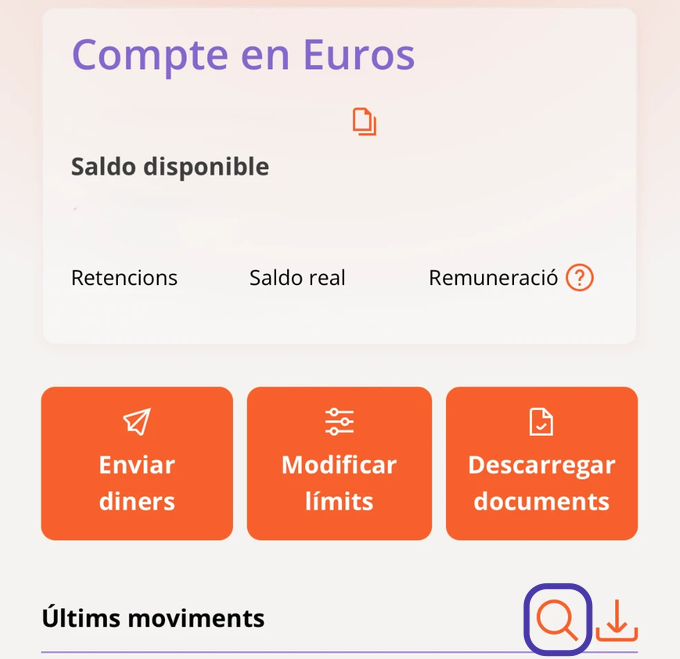
In Detall de comptes (Account details), tap the magnifying glass next to Últims moviments (Latest transactions) to choose the dates.
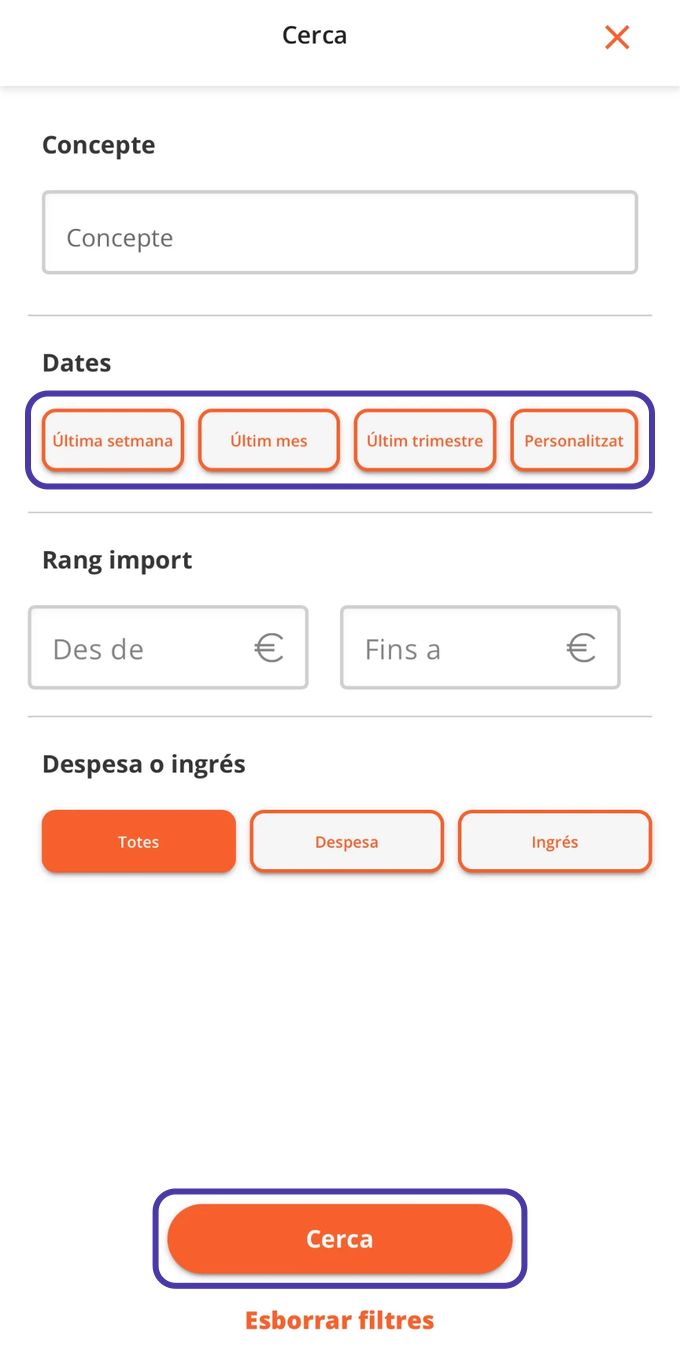
Under Dates, choose the period (Últim trimestre, last quarter, for example) or Personalitzat (Custom) to set the dates yourself, and tap Cerca (Search).
Download the Excel file
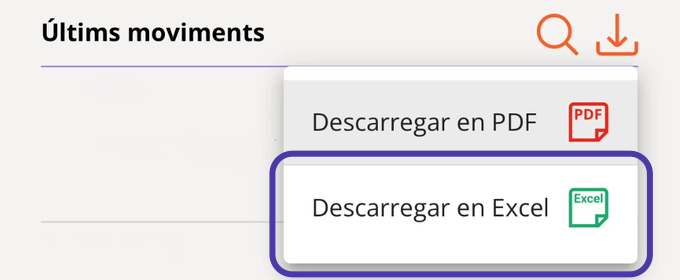
With the transactions filtered, tap the download icon (the downward arrow).
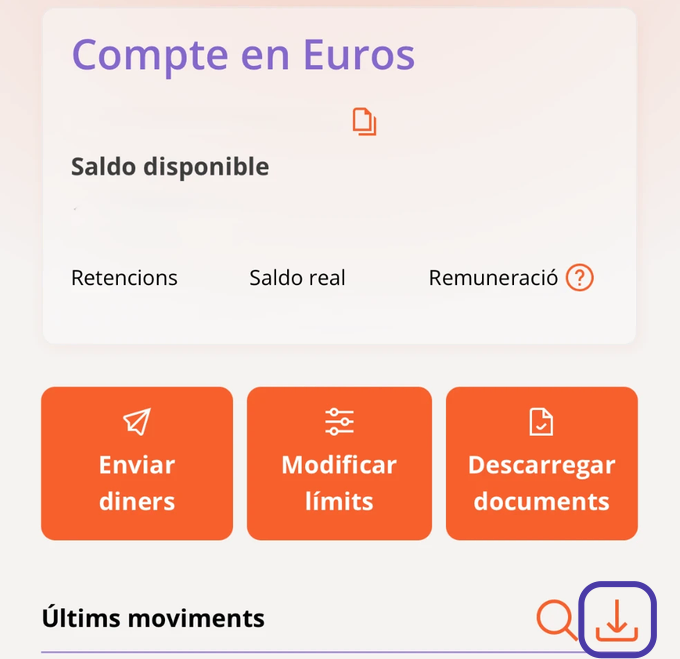
Choose Descarregar en Excel (Download as Excel). If your phone asks where to save it (the iPhone does), pick a folder you can find easily, such as Downloads.
Upload it to Estalvia
- In Estalvia, open Import and choose the account. It works the same from your phone's browser.
- Choose the file, check the transactions and tap Import.
If it is your first time, Getting started with Estalvia takes you through the rest.